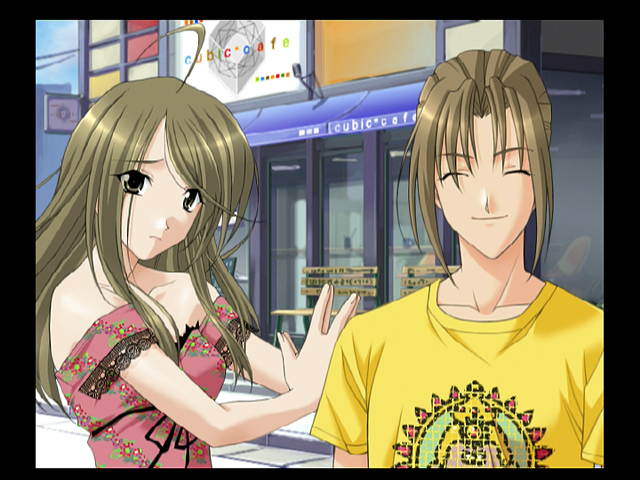
Full Scenario Script (MAC.AFS): All 99 scenario scripts (27,774 text records) and the Short Cut menu (SHORTCUT.BIP) have been translated into English, formatted with proportional font spacing (FNT26265.FOP), balanced dialogue pagination, and standardized speaker name boxes;
Executable & System UI (SLPS_251.73): System menus, Save/Load and Memory Card prompts, Options, Pause Menu, Album CG titles, Jukebox track titles, artist/composer credits, vocal lyrics, and KID Theater 1: Recipe subtitles have all been translated and integrated using 2-byte encoding;
System Data & Extras (INIT.BIN): The speaker name table, Ending List (Clear List 2/3), and Scene List (Clear List 3/3) have been fully translated;
UI Graphics & Textures (ETC.AFS): Key interface graphics — including the Control Manual (HE_BG.T2P), CG Album character banners (AL_MENU.T2P / ST_AL.SPC), numeric counters (TM_NUM.T2P), and date formatting (DT_NUM.T2P) — have been localized to English.
Still in progress
End-to-end playtesting across the remaining character routes (Hibiki's route has been completed from start to finish without crashes);
Ongoing script proofreading and minor formatting polish based on community feedback.
Current status
The game is fully playable in English from start to finish, with all story scripts, menus, extras, and UI graphics localized. Hibiki's route has been playtested from beginning to end with no crashes, though the remaining routes have not yet undergone full end-to-end playthrough verification.
Both v1 and v2 contain the exact same English translation, script fixes, menus, extras, and UI. The only difference is how the game handles video aspect ratio and vertical cropping:
v1 (Original PS2 Presentation): Keeps the original PlayStation 2 rendering behavior. Because KID displayed the game's 640 × 480 px artwork inside the PS2's 640 × 448 px NTSC framebuffer without vertical scaling, 32 pixels of vertical artwork (16 px top, 16 px bottom) are cropped off-screen and the image appears slightly stretched vertically on a standard 4:3 display.
v2 (True 4:3 / Uncropped Presentation): Patches the PS2 executable (SLPS_251.73) so the PS2's Graphics Synthesizer scales backgrounds (including overscanned 688 × 512 px shake/panning BGs), event CGs, character sprites, transitions/zooms, and Album/Gallery CGs vertically (480 → 448) in real time (while PSS movies already render uncropped at 480 → 448 natively). No image or video files are re-encoded or modified—the full 640 × 480 px frame is displayed uncropped in its intended 4:3 proportions while keeping the UI, text, and original asset quality intact.
Which one should I choose?
Choose v2 if you want the full, uncropped artwork and true 4:3 proportions (recommended for most players, emulators, and 4:3/CRT setups).
Choose v1 if you prefer the strictly original PS2 retail video output.
Our website uses cookies and other technologies so that we and our partners can remember you and understand how you use the website. By continuing to browse this site, you will be deemed to have implied consent to our privacy policy.